Keel · Guides · Routines & Programs
Track your injection-site rotation
Where do I record my site rotation?
Open a routine whose administration method is injectable.
AvailabilityFree
Open a routine whose administration method is injectable. On a new routine open More options; when editing, the advanced sections are already open. Find Injection site rotation. Use only site names and an order you have already chosen outside Keel.
Steps
- Tap Add site.
- Enter your first site's name.
- Repeat for the other names, in the order you want recorded, up to ten sites.
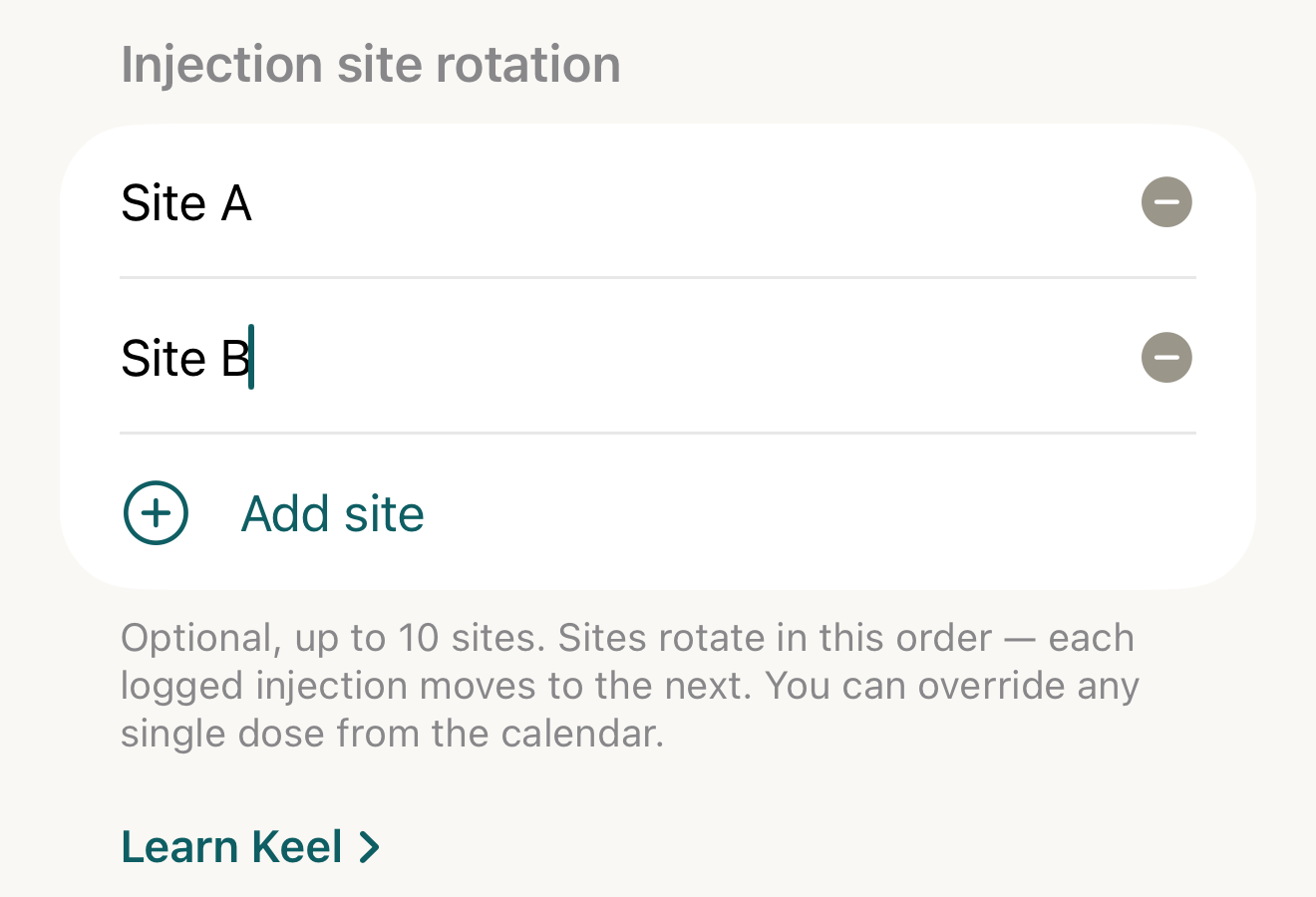
Fictional labels Site A and Site B show how to record your own ordered list; Keel does not choose anatomical sites or teach technique. - site names
- Add site
- footer
Where this screen comes from
- File
B4-F12-1-injection-site-rotation.png(1320×900);B4-F12-1-injection-site-rotation.webpis a lossy encode of it- Derivative SHA-256
9d91ed1278b8126c78bd9eb8b13cdc41fc32d9ff5c325a7652dbdb06e9c5c249- Source
B4-F12-1.pngin packageKeel-WT-7e41269-guide-figures-B4-rotation-20260924-134439-34056- Source SHA-256
b01b3273eb4df890389bd5f73033da6c8792646ead39372990fa2c47e8f301c7- Package seal
86b8a1ff65d8af66b0d1062149695cb793ad2ad67de183d1b0f0267e30099700- Captured from
- Keel 1.0.0 (1), implementation
working tree 7e41269 (NOT a candidate; head 7e4126919da3a44a9ad2f2efaf3ad2467c1fbff7, build-input tree e68d5177c4229cbfc9a88a9e8bdad667ebf011692826b6bd4359833508618f28, build build-20260924-133702-30407) - Operation
- crop x0 y900 w1320 h900 (source pixels, origin top-left)
The numbered markers are drawn by the page, not into the image.
- Remove a row with its minus button if it should not be in the list.
- Tap Save.

How it advances
Keel cycles the entered list. Effective Done and Late logs within the dose's phase advance its count; skips do not. Upcoming rows preview successive positions. Unlogged overdue rows do not consume a position, so an overdue and an upcoming row can show the same next site. These are record-derived labels, not instructions about where to inject.
Override one dose
Expand its pending row and open the site menu. Select one of the entered sites, or choose Rotation to return to the planned label for that dose. The change is a per-dose override, not a rewrite of the rotation list. Without a rotation, the row provides free-text site entry instead.
If it looks different
- If it looks different
- This form section is only for injectable routines. Empty site entries are discarded on save; switching to a non-injectable method clears the rotation. Corrected or reversed effective logs can change the count used to plan later sites. Check recorded history rather than inferring technique from the next label.
Keel tracks sites you name; it never recommends a site, technique or injection schedule.